How is the editor different from an XML viewer?
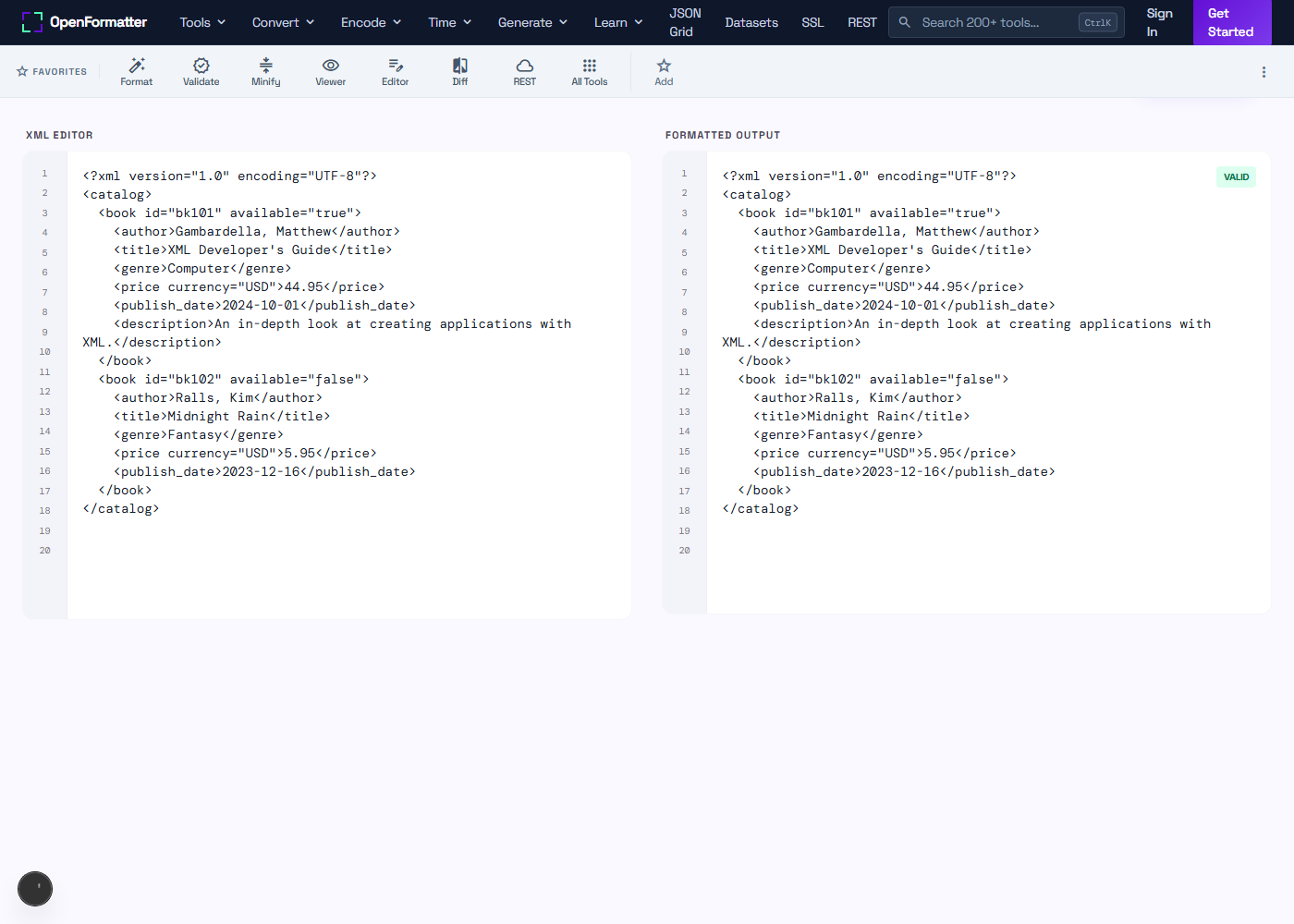
A viewer is read-only — it renders XML as a collapsible tree for inspection but does not let you change anything. The editor is read-write: paste a document, modify tags, attributes, and text inline, then click Format to reflow the indentation. Use the viewer to explore an unfamiliar payload, use the editor when you need to change one and copy the result.
Does it offer real-time validation?
The editor performs well-formedness validation each time you click Format. Errors surface in the output panel with the exact reason the parser rejected the document — usually an unclosed tag, malformed attribute, or stray character. For continuous as-you-type validation, consider VS Code with the Red Hat XML extension; the in-browser editor is optimised for paste-and-fix workflows.
Can I undo edits?
Yes. The textarea uses the browser's native undo stack, so Ctrl+Z (Cmd+Z on macOS) reverses any keystroke. You can also click Clear to wipe both panels and start over, or Load Sample to populate a working catalog.xml example.
Will it auto-close tags?
Auto-close is not currently active in the textarea — you write the closing tag yourself, then hit Format to confirm well-formedness. This keeps the editor predictable for paste-from-clipboard workflows where the document is already complete and you only need to reformat it.
Does the editor support large XML files?
It comfortably handles documents up to several megabytes. Beyond that, browser textareas slow noticeably — for files over ~5 MB use a desktop editor like VS Code or IntelliJ. For typical config files, SOAP envelopes, or RSS feeds, the editor is responsive.
Is my XML uploaded to a server?
No. All editing, formatting, and parsing run as JavaScript in your browser using the native DOMParser. No network request is made when you click Format. Open DevTools → Network and confirm the panel stays empty — useful when you're editing XML containing API keys, customer PII, or proprietary configuration.
Can I edit XSD or WSDL with this tool?
Yes. XSD schemas and WSDL contracts are XML documents, so the editor accepts and formats them. For WSDL specifically there is a dedicated WSDL formatter that highlights service, binding, and portType blocks.
Why does my edit produce slightly different formatting than the source?
The formatter normalises whitespace: it collapses multiple blank lines, re-indents using your chosen width, and self-closes empty elements (<tag/> instead of <tag></tag>). The semantic content is identical — every parser produces the same DOM either way — but the byte-level output is canonicalised for readability.