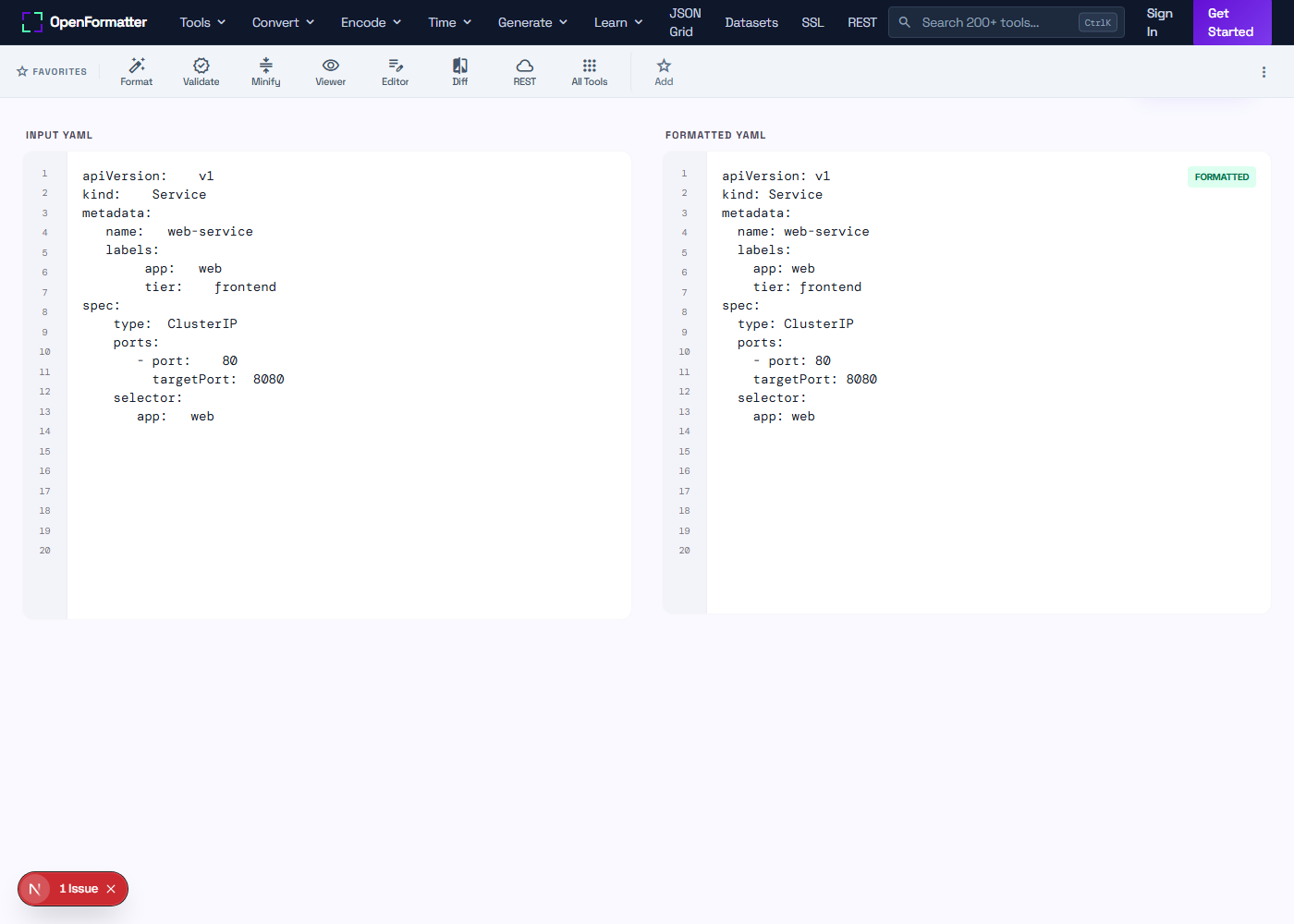
What does a YAML formatter do?
A YAML formatter parses a YAML document and rewrites it with canonical, consistent indentation and spacing. It does not change the data — only the whitespace. The result is a clean, normalised file that is easy to review, easy to diff in pull requests, and trivially compatible with kubectl, docker compose, helm, and ansible.
Should I use 2-space or 4-space indentation in YAML?
Two-space indentation is the de-facto standard in the Kubernetes, Docker, GitHub Actions, and Helm communities. Most public manifests, Compose files, and chart values use two spaces. Four-space is occasionally seen in larger Ansible playbooks. Pick one and apply it across the repository — mixing the two creates confusing diffs.
Will the formatter remove my comments?
Most online YAML formatters strip comments because YAML libraries discard them during parsing. If preserving comments is essential — for example, a Helm values file with documentation comments — keep a copy of the original or use a comment-preserving formatter like prettier with the YAML plugin or yq with --inplace.
Does formatting change the data in my YAML?
No. Formatting only adjusts whitespace — indentation, blank lines, and spacing around colons. Keys, values, list items, and the tree structure stay identical. If your formatted file behaves differently, the original was likely ambiguous (mixed tabs/spaces or duplicate keys) and the formatter resolved the ambiguity.
Can I format multi-document YAML files (with --- separators)?
Yes. Each document between --- separators is parsed and formatted independently. The formatter preserves the document boundaries, so a multi-Resource Kubernetes manifest comes out as separate cleanly-formatted documents in the same file.
Is the YAML formatter the same as a YAML beautifier or pretty printer?
Yes. "YAML formatter", "YAML beautifier", and "YAML pretty printer" all describe the same operation: producing a canonical, indented, human-readable YAML output from any valid input. The terms are used interchangeably.
Why is my YAML rejected when I click Format?
Formatting requires the input to be valid YAML. If the document has tabs in indentation, duplicate keys at the same level, missing colons, or unbalanced quotes, the parser fails and the formatter cannot produce output. Use the YAML Validator first to find and fix the error, then format.
Is my YAML data uploaded?
No. Formatting runs in JavaScript inside your browser. YAML files containing secrets, tokens, kube credentials, or proprietary configuration never leave the device. Verify by opening DevTools → Network — no requests are made when you click Format.